

















Toppal Voice Installation Package Tutorial
This guide focuses on the Toppal Voice installation package: how to safely download it, install the three required packages, and activate via hotspot‑name for a reliable setup on Android head units.
Requirements & Compatibility
- Android 10–14 head units (e.g., UIS7862/7862S, PX6, Qualcomm GT6125).
- Free space ≥ 200 MB; stable Wi‑Fi/4G for first activation.
- Working microphone; set a default Navigation app via Settings → Apps → Default apps.
- CarPlay/AI Box users: firmware must allow third‑party voice assistants.
Official Download — Toppal Voice installation package
- Purchase or retrieve your code at FixMyDash. Official links to the Toppal Voice installation package are delivered to your order email/account.
- Use only official sources; optional integrity check with SHA256 (see sidebar).
Install (3‑Package)
All three must be installed in order: App → Service → Language Pack.
- Enable Install unknown apps (Параметрлер → Қауіпсіздік).
- Install in order: App, Service, Language Pack.
- Grant Microphone, Location, және Overlay to App & Service.
- If supported, set default Assist: Settings → Apps → Default apps → Assist app → Топпал дауысы.
- Reboot once to stabilize CANBUS/audio focus.
Activation
Method 1: Hotspot‑Name (SSID) Activation
- On your phone, enable Personal Hotspot and set the SSID to your activation code (case‑sensitive, no spaces).
- If the unit can’t see 5 GHz, switch your hotspot to 2.4 GHz.
- On the head unit, connect to that hotspot and wait 5–30 seconds.
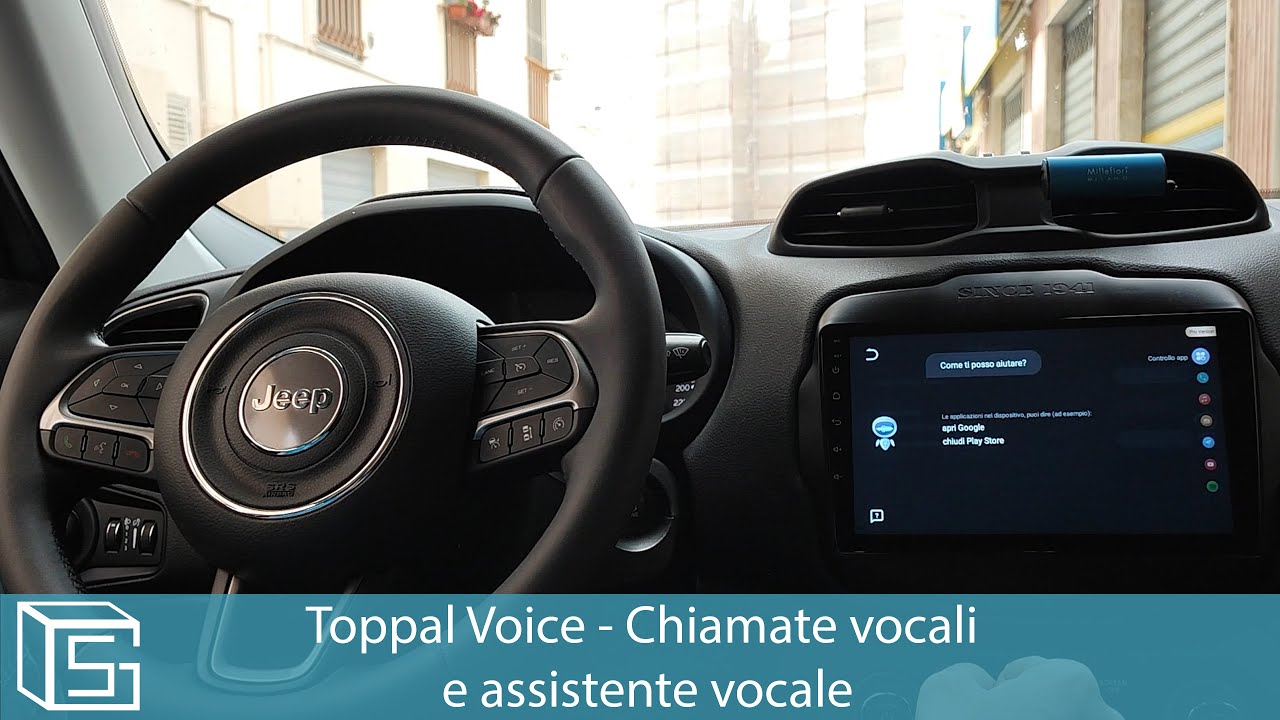
- When a robot appears on screen, activation is successful.
Common mistakes
- Character confusion: 0/O, 1/I.
- Hidden SSID or 5 GHz‑only hotspot → broadcast SSID and/or use 2.4 GHz.
- Battery saver disables hotspot → turn it off during activation.
- Wrong date/time causes TLS/license errors → set correct time.
Method 2: Manual Code Entry
- Open the app → Activate.
- Enter the activation code from your order email while online.
Configure
Default Navigation App
- Settings → Apps → Default apps → Navigation
- Таңдаңыз Google Maps, Waze, or your preferred app.
Wake Word & Sensitivity
If wind/road noise triggers false wakes, reduce sensitivity or switch to steering‑key press‑to‑talk.
Language & Offline Packs
Download your language pack and cache offline maps for your region.
Ақауларды жою
Voice won’t open navigation
- Ensure a default navigation app is set and opened once manually.
- Clear conflicting defaults: Settings → Apps → Maps → Open by default → Clear defaults.
- Grant Location және Overlay to both Toppal Voice and your maps app.
- AI Box users: install maps on the box, not only the head unit.
No microphone pickup
- Close BT hands‑free/dashcam apps that might hold mic focus.
- Switch internal/external mic in factory settings (if available).
- Reboot after changing permissions or mic source.
Activation problems
- Check code spelling, network, and correct date/time.
- Try another network (hotspot vs Wi‑Fi).
- Contact support with model and firmware details.
Жиі қойылатын сұрақтар
Is Toppal the same as Dofun?
Жоқ. Дофүн дауысы is Topway’s OEM assistant; Топпал дауысы targets broader Android head‑unit ecosystems. Choose based on your firmware integration.
Офлайн жұмыс істей ме?
Basic commands can work offline. Navigation and cloud features require data. Cache offline maps for your region.
Can I transfer my license?
Licenses are generally bound to one device. If your unit is replaced under warranty, contact support with proof.
